HTMS™ Technology Management
Replace equipment on your schedule, not the day it fails
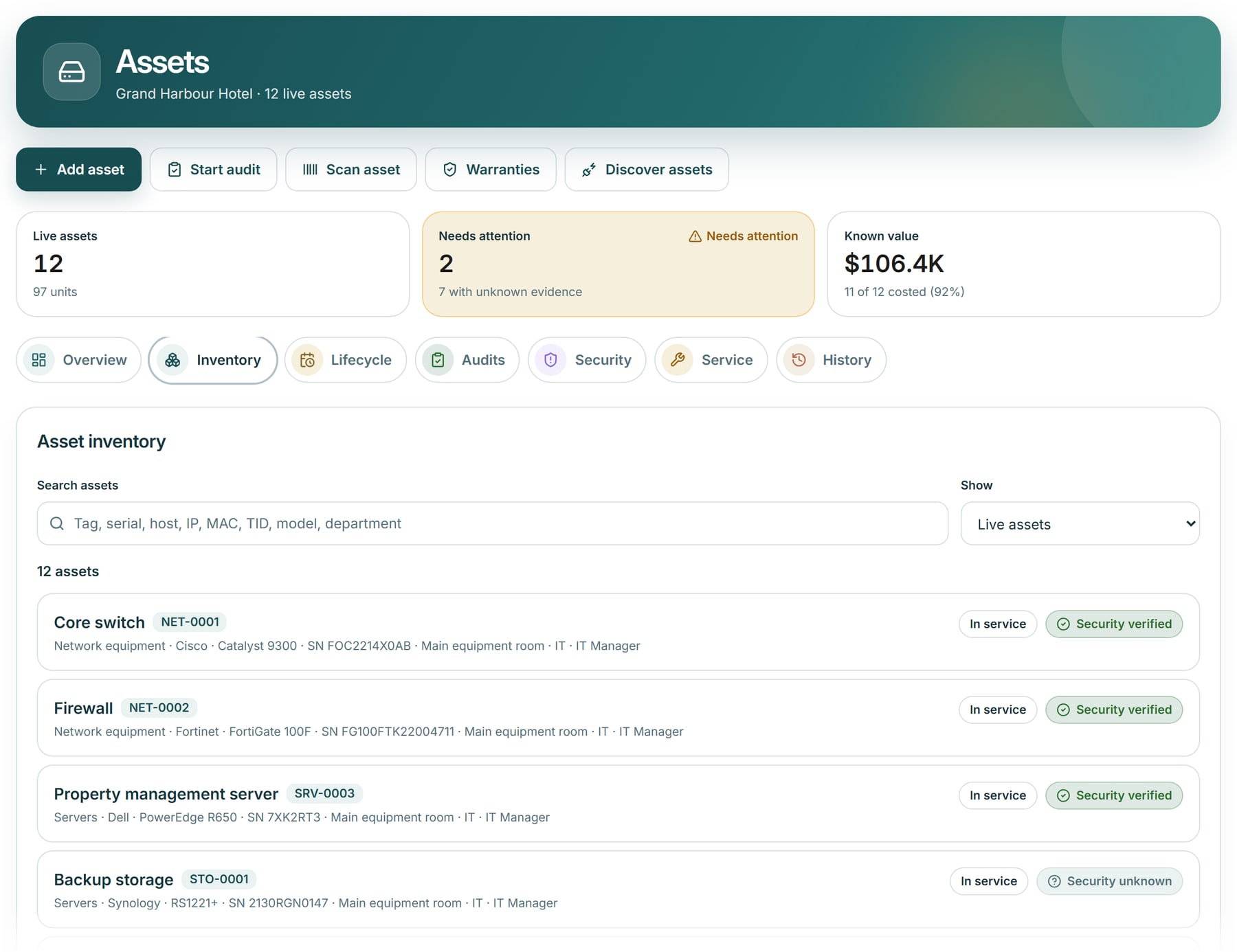
Every device keeps its location, who holds it, its warranty and its age. Repair history and replacement dates turn next year's refresh into a plan the owner can approve.
What gets in the way
Devices go missing and warranties lapse unseen
Nobody knows who has the spare laptop, a warranty ends without notice, and the refresh budget is a guess.
From the tag to the refresh plan
Tag every asset
Each asset gets a tag, a location and a custodian. Scan and print labels so the item in the room matches its file.
Keep its care in one place
Maintenance, warranty and retirement stay with each asset, along with every ticket raised against it.
Forecast the refresh
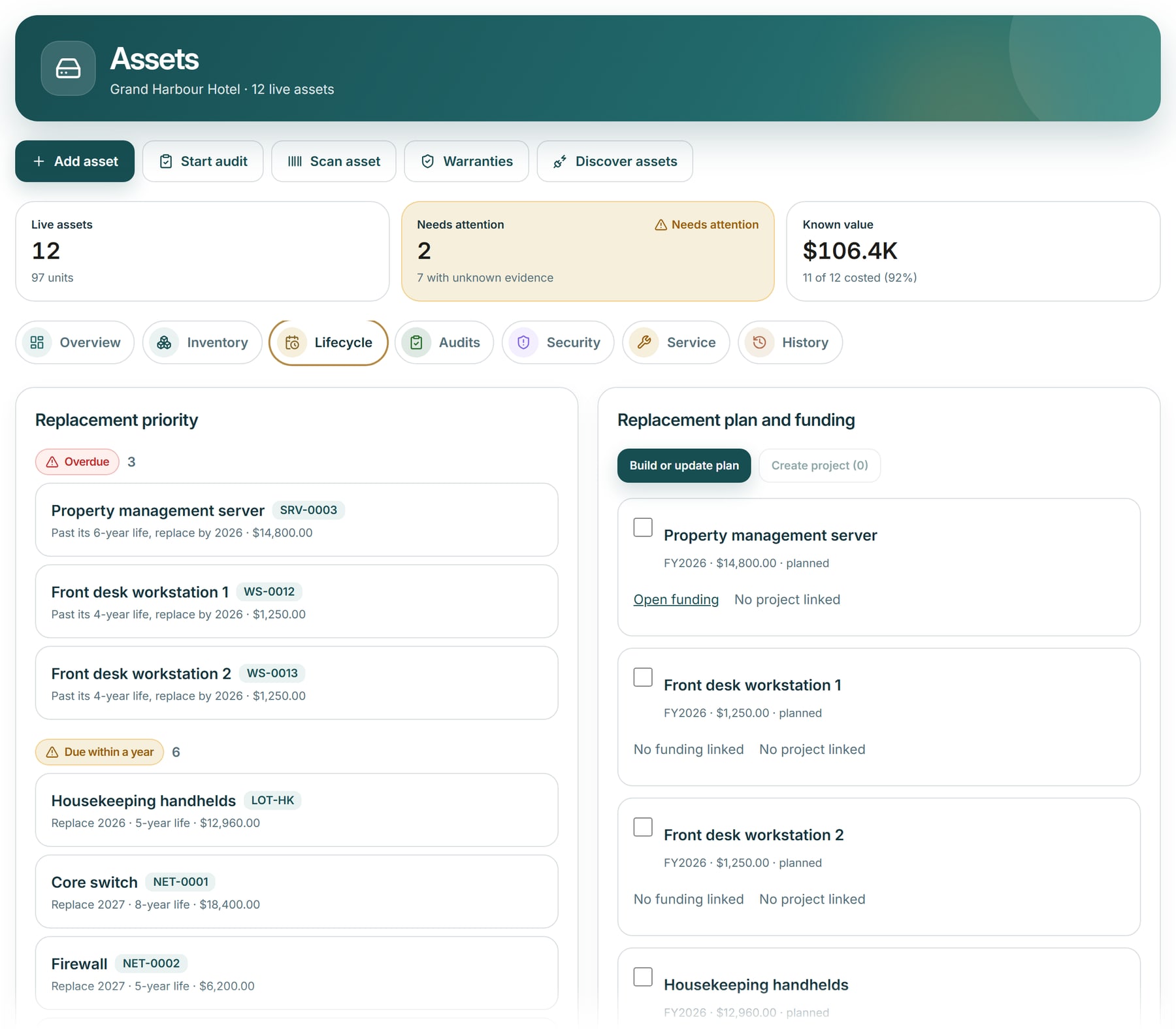
A three-year retire-and-refresh forecast comes straight from lifecycle dates, with overdue replacements flagged.
Take it to the decision
Turn the forecast into a refresh plan or project and bring it to the people who decide.
- Included in
- HTMS™ Technology Management
- Package
- See pricing
Works with
Turn ageing hardware into an approved refresh plan
The IT manager scans each tag, sees what is past its lifecycle date and builds the plan from there.