Support

You will not be left alone with a login.

Within one business day of your order, the Techorph team calls you and starts setting up around the way your hotel already runs.
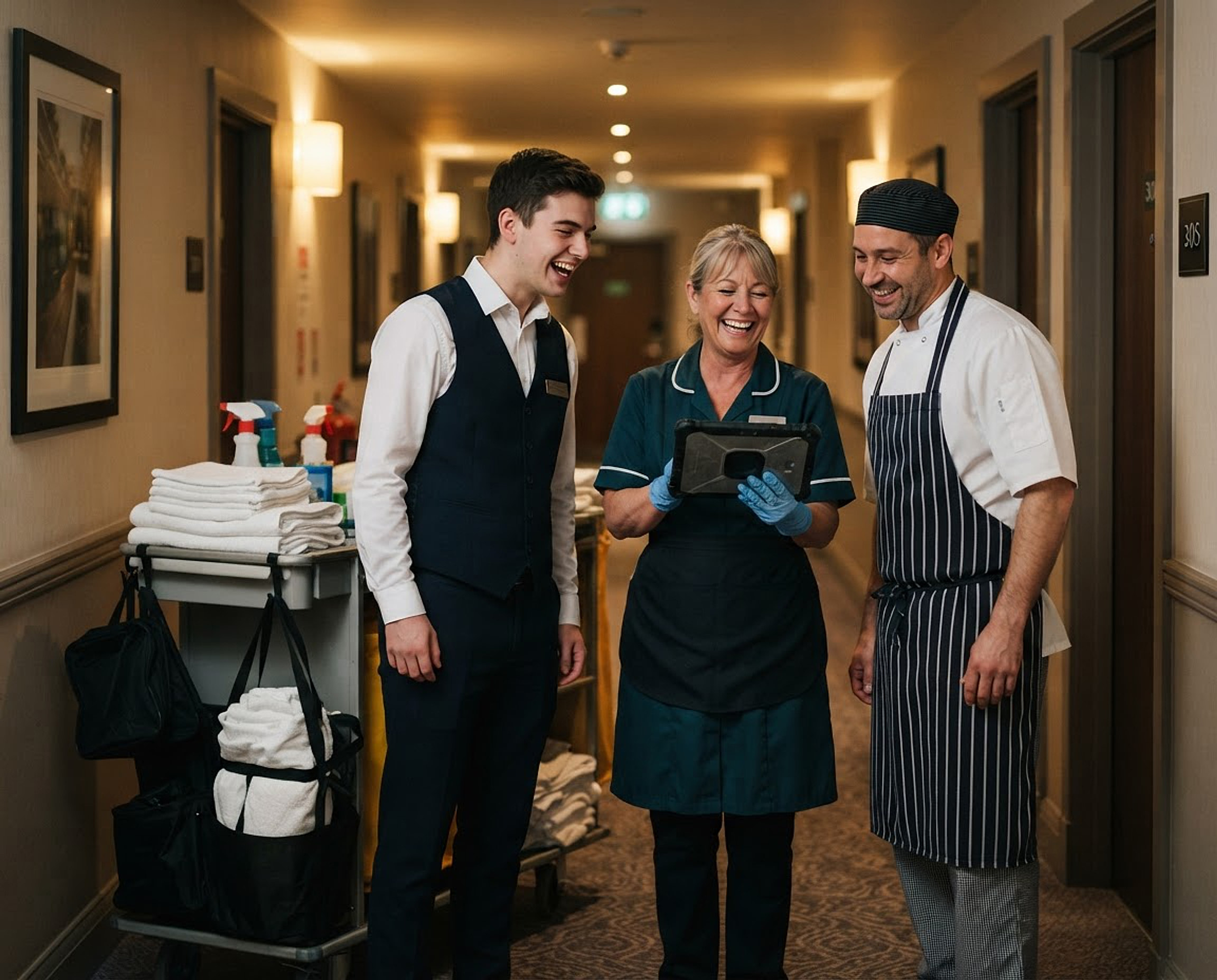
Three hotel colleagues in different uniforms laughing together around a tablet

What happens after you buy

  1. Call

    We confirm what you bought and agree who at the hotel sends each set of documents.

  2. Collect and load

    Department by department, we gather systems, vendors, contracts, budget lines and documents, and load them for you.

  3. Check

    We check the first scores against your documents and walk hotel leadership through them. Anything we could not confirm is marked Unknown.

  4. Go live

    You go live once your team confirms what we loaded. Each department then opens to its own pages and the work waiting for it.

Who does what during onboarding

Techorph

  • Sets up your departments, systems, vendors, contracts, budgets and operating settings in HTMS™, so your team opens its own hotel on day one, not a blank screen.
  • Loads the facts from the files you send, and marks anything missing as Unknown, never as a guess.
  • Walks your leadership through the first scores before go-live, so nothing surprises you in front of the owner.

Your hotel

  • Names one person to lead onboarding at the hotel.
  • Sends contract files, invoices, a system or asset list, the technology budget and current projects.
  • Decides who gets access, and with which role.
  • Checks what was loaded and confirms it is right before go-live.

After go-live

01

Reach people who know your hotel

Call or email the Techorph team. The people who set up your hotel answer.
02

Say what happened

Tell us the hotel, the page and what you saw. A screenshot helps.
03

Nothing stalls

If something is not moving, say so and it goes straight to Techorph leadership.

What buyers ask before they commit

Onboarding is a one-time fee
Onboarding is required and billed once per property, with your first payment, never monthly. It covers loading your hotel’s own information into HTMS™ before go-live. Contact us for pricing.
The languages we work in
English, Spanish and French. Assessments, reports and roadmaps come in the language your leadership team works in.
If you run a different PMS
Oracle OPERA Cloud and Mews are the two connections available. OPERA Cloud is read-only; Mews can also receive room status when the hotel turns that on. For any other PMS, our open API covers tickets, projects and asset discovery today, not PMS data. See the PMS connections.

See what onboarding looks like for your hotel

Bring your questions to a demo, and we will walk through the first weeks with your hotel in mind.

Onboarding and Support for HTMS™, Roomline and Keyline Connect | Techorph